 3D Artistree
Artistree Studio
Build your own plants from scratch.
FloraLab tunes plants from its library. Artistree Studio lets you build your own plants from scratch. Studio plants can run up to 1 to 3 million polygons for render-grade detail, and a built-in optimization slider cuts that by almost 90%, so Studio plants can port straight into FloraLab Pro for real-time scenes.
The waitlist is a free Gumroad sign-up. We email you when Studio is available.
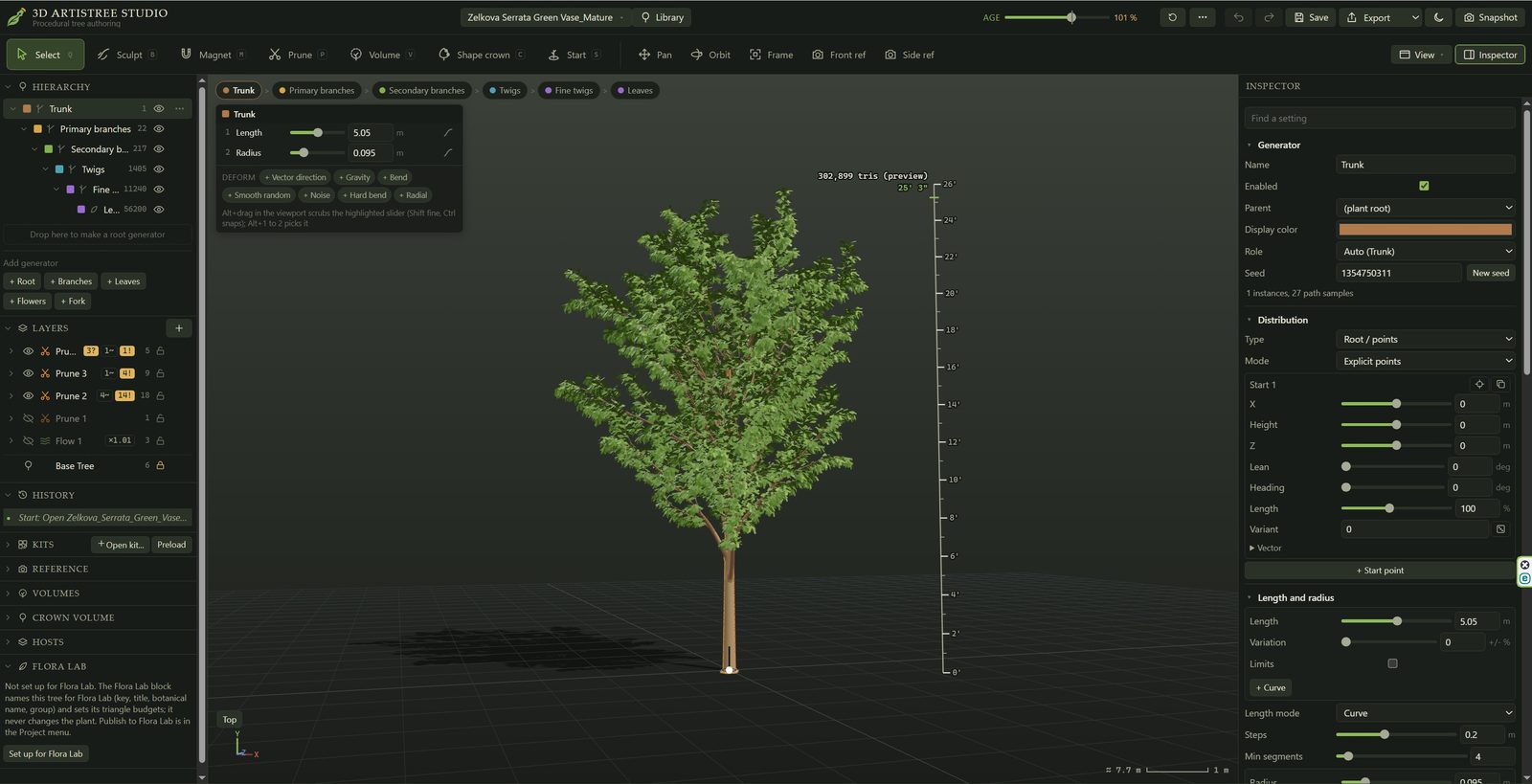
How you build a plant
Levels
A plant is built in levels: trunk, scaffold branches, side shoots, twigs, leaves and flowers. You set where each level starts and stops along its parent.
Shape controls
Length and angle, each with a curve, plus smooth randomness on every level.
Modifiers
Bend, gravity and droop work the way branches grow and fall, so the shape comes from growth rules rather than hand-placed geometry.
Crown volume
Load a front view of the plant and Studio fits the scaffold lengths to its outline.
Reference images
Set photos or drawings behind the plant to match its proportions.
Grow it younger or older
Age slider
Grow a finished plant younger or older, from 10% to 150% of the plant you built. Use it for a nursery-size version of a hero tree, or a mature specimen grown from a young one. The readout can show the age in years, for example "40% (12 yr)".
Natural proportions
As a plant ages, branches lengthen and thicken in proportion, and older plants add new branching sites along their limbs. A growth curve slows growth with age, the way real trees grow.
Per-level control
Each level has its own age response:
- how much it lengthens with age;
- how quickly it thickens (a palm trunk can keep the same thickness at every age);
- the age at which it first appears, such as arms that show up only on an older cactus.
Younger offshoots
Pups, suckers and sprouts can be younger than the plant they grow from, not scaled copies of it.
Hand edits stay
Brush and branch edits stay on their branches at every age.
Seeds
Reroll the random draws for a second or third tree of the same kind, for a row or a grove. The same plant, age and seed always give the same result.
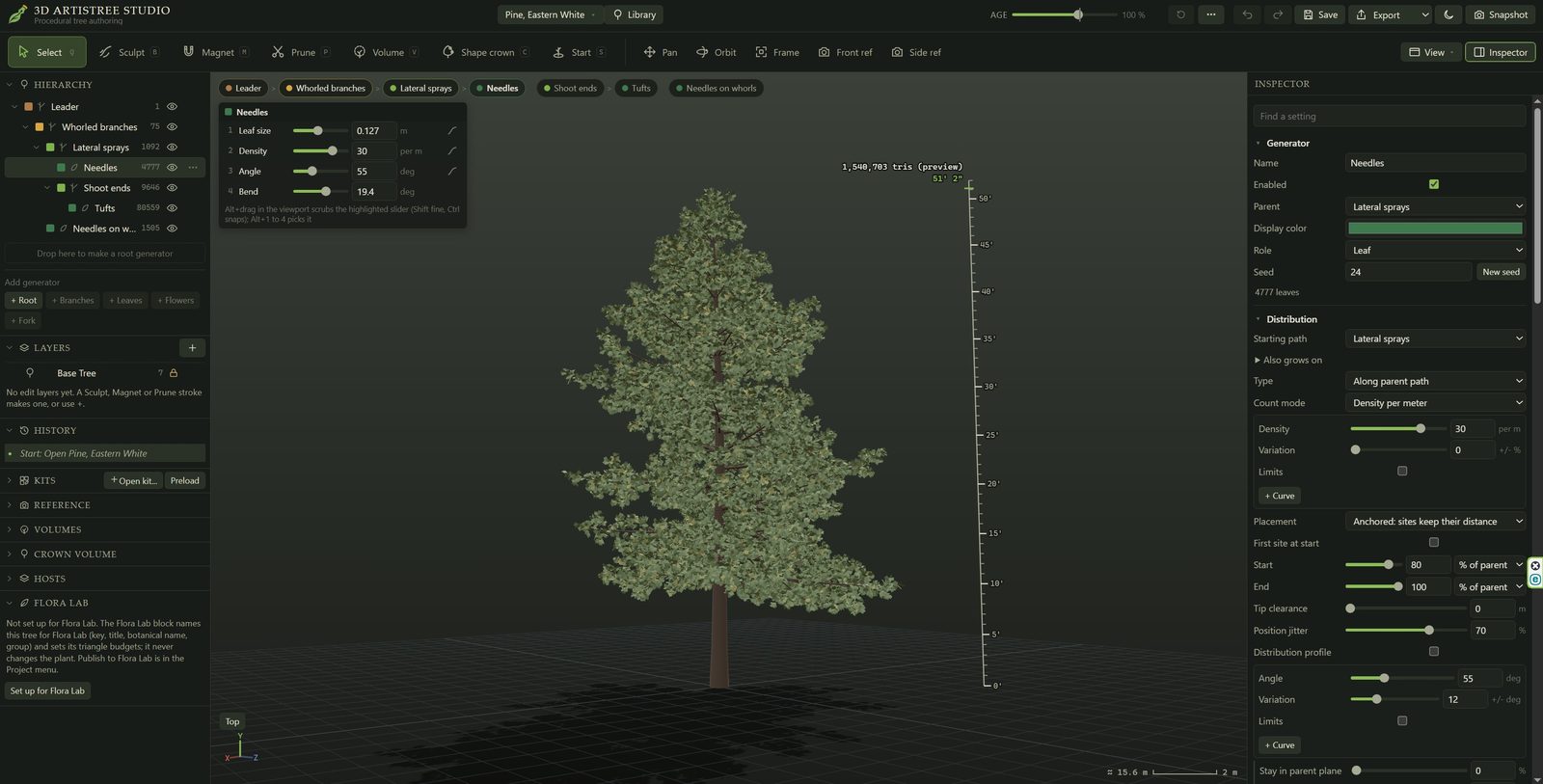
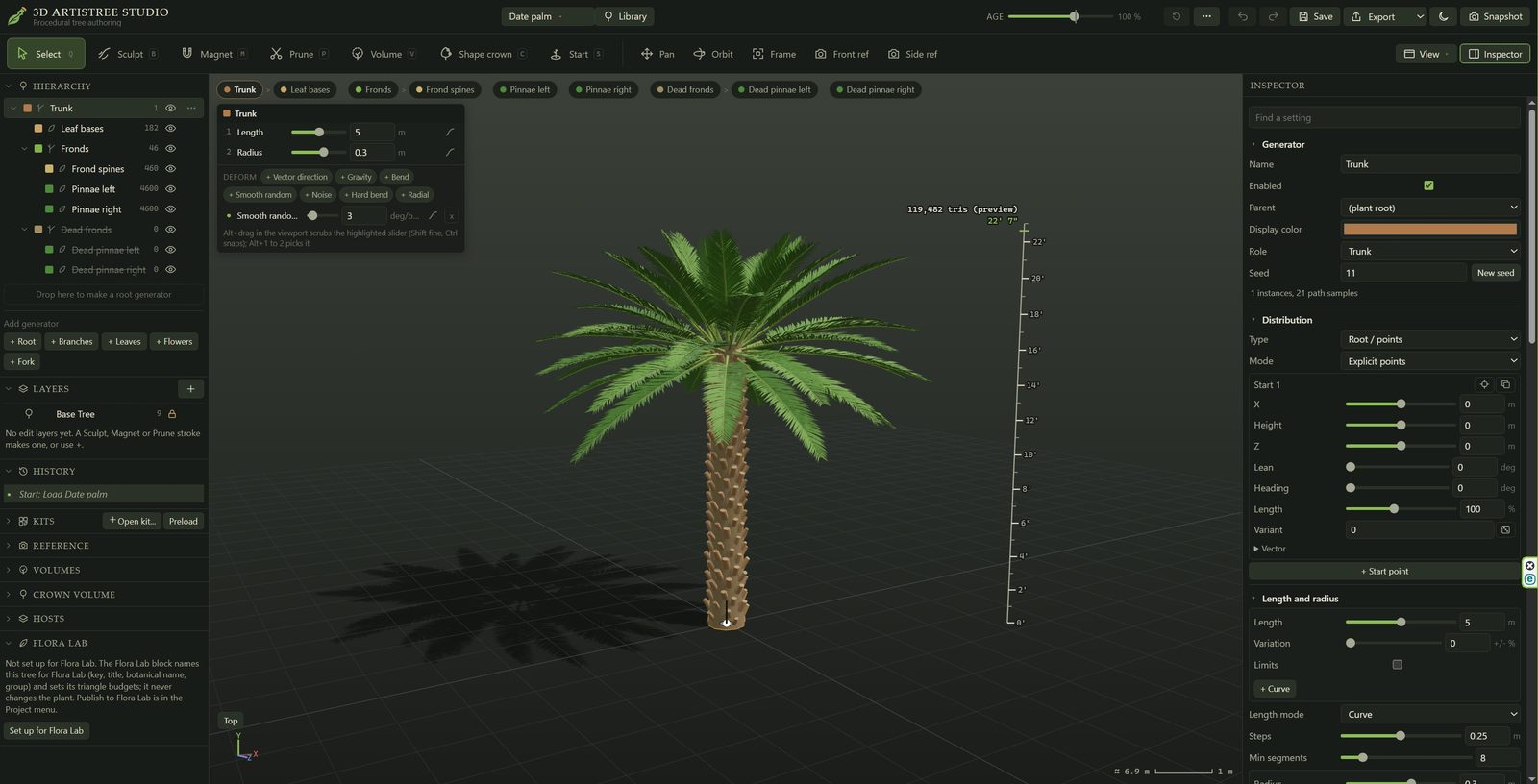
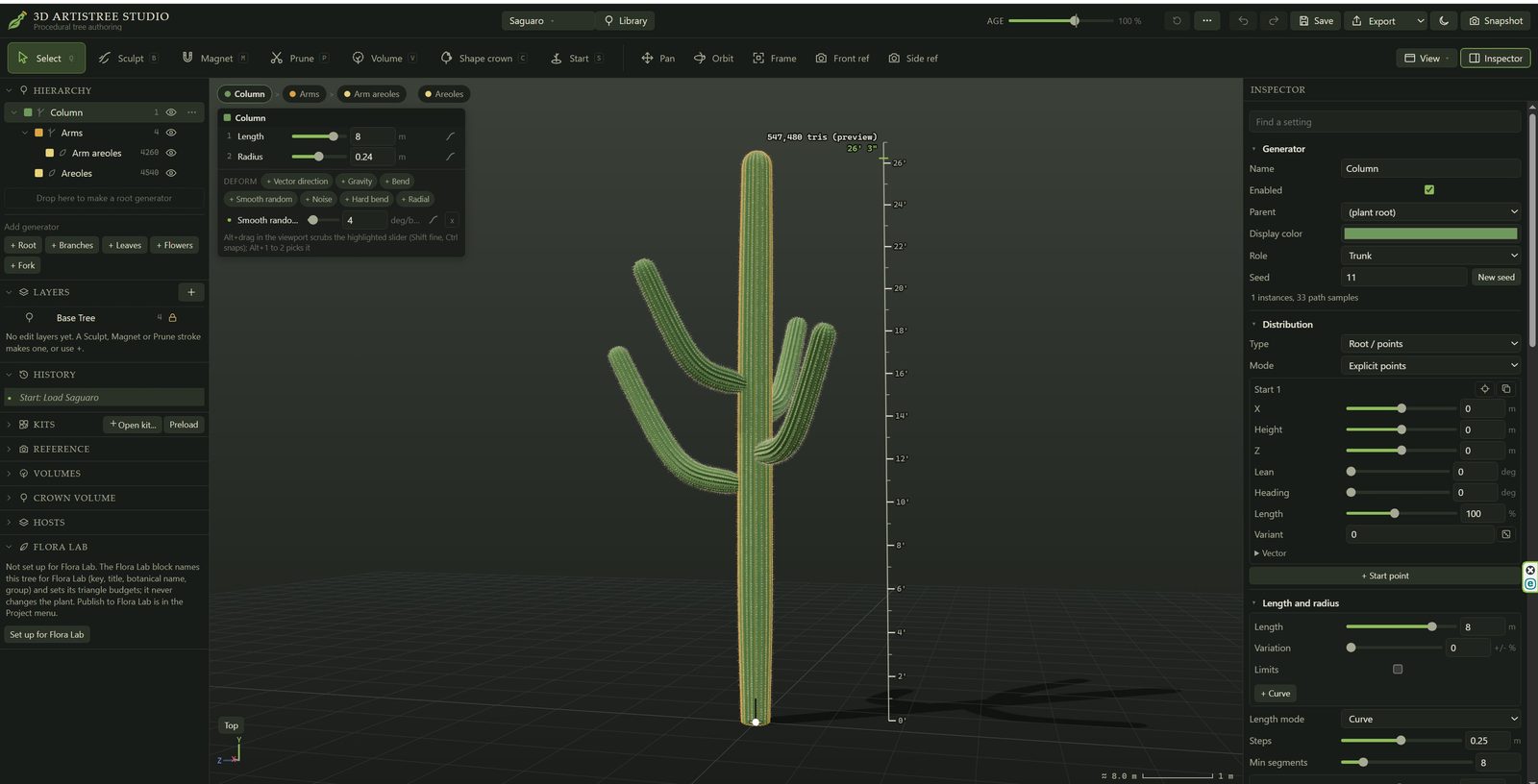
Editing by hand
- Sculpt brushes for bending, combing, smoothing, lifting, drooping, lengthening and spreading branches.
- Select an individual branch to move, reshape or remove it.
- Pruning volumes clip a crown to a shape, such as a hedge or a topiary form.
Foliage, flowers and bark
- Leaf kits. Textured leaves built from single, resolved leaf blades, for species from maples to spruces.
- Leaf designer. Draw your own leaf shapes, including large tropical leaves and pads.
- Flowers and fruit. Flower heads and fruit, with bloom stages.
- Joined branches. Forks and stems can join as one smooth surface, with the bark texture running unbroken across the joint.
- Other plant types. Vines, palms, cacti and succulents (early versions).
Output
- Export as FBX, SKP, GLB or OBJ, with textures.
- Optimize levels let one plant work in a hero render or a large planting scheme.
- A library browser holds the included plants, and you can save your own plants to it.
- Desktop installer for Windows, with automatic updates.
- A starter library of trees and shrubs, with new plants added over time.
Minimum system requirements will be posted once testing is complete.
Questions? support@3dartistree.com